01 / EXECUTION
Choose how
the agent works.
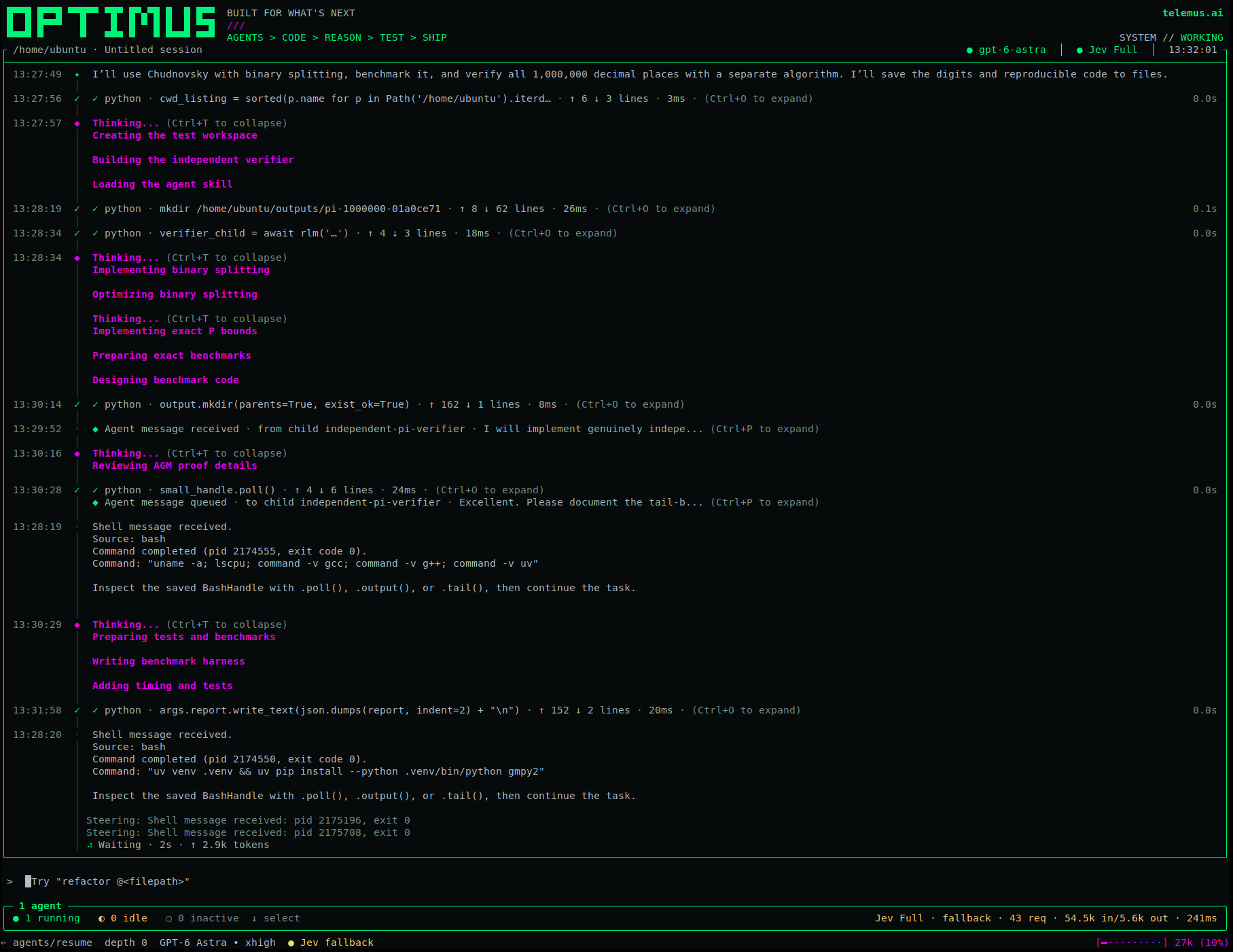
Start with persistent Python execution, or use supported JavaScript, C++ and direct-tool modes. Choose the environment that fits the task.
Execution modes

Optimus Agent Research harness
Explore how models, tools and agents work together. Optimus is an open-source harness for coding, research and long-running work, built in Rust with a persistent Python workspace.
MIT licensed. Maintained by Telemus AI.
02 Inside the harness
For developers and researchers exploring agent behaviour, with explicit choices about execution, context and coordination.
Start with persistent Python execution, or use supported JavaScript, C++ and direct-tool modes. Choose the environment that fits the task.
Review project memories, correct outdated entries and return to saved conversations. Recall and learning have separate controls.
Delegate focused investigations or implementation tasks to subagents, use configured models for different roles, and review the results together.
03 Optional Jev integration
Optimus can use Jev by TypeSafe for bounded code-search and decision-support experiments. The integration is optional, off by default, and requires a separate API key.
The example shows an Optimus session using Jev. See the integration guide for setup, controls and limitations.
Read the Jev guide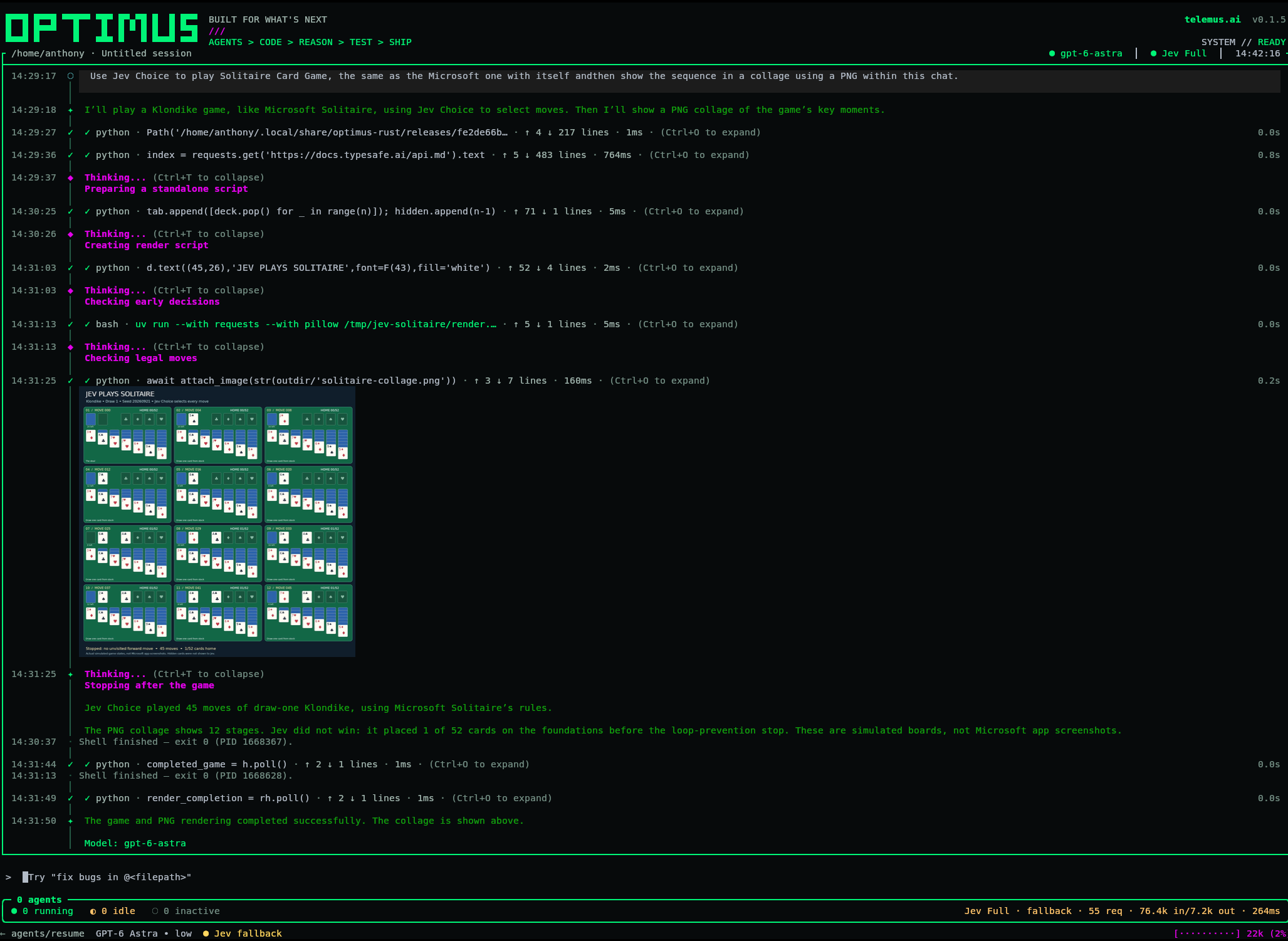
Build. Inspect. Contribute.
Install a stable release from source using the setup guide. Rust, Python and native build tools are required; Windows also uses Git Bash.
Install OptimusLooking for the spatial AI workspace? Explore Telemus AI.